
Forstify 4.7.0 — documents, scanning & delivery status
Version 4.7.0 brings document management to Forstify: organise your paperwork, scan it on the spot, and keep an eye on every log pile’s delivery status. Many of these came straight from your feedback — thank you!
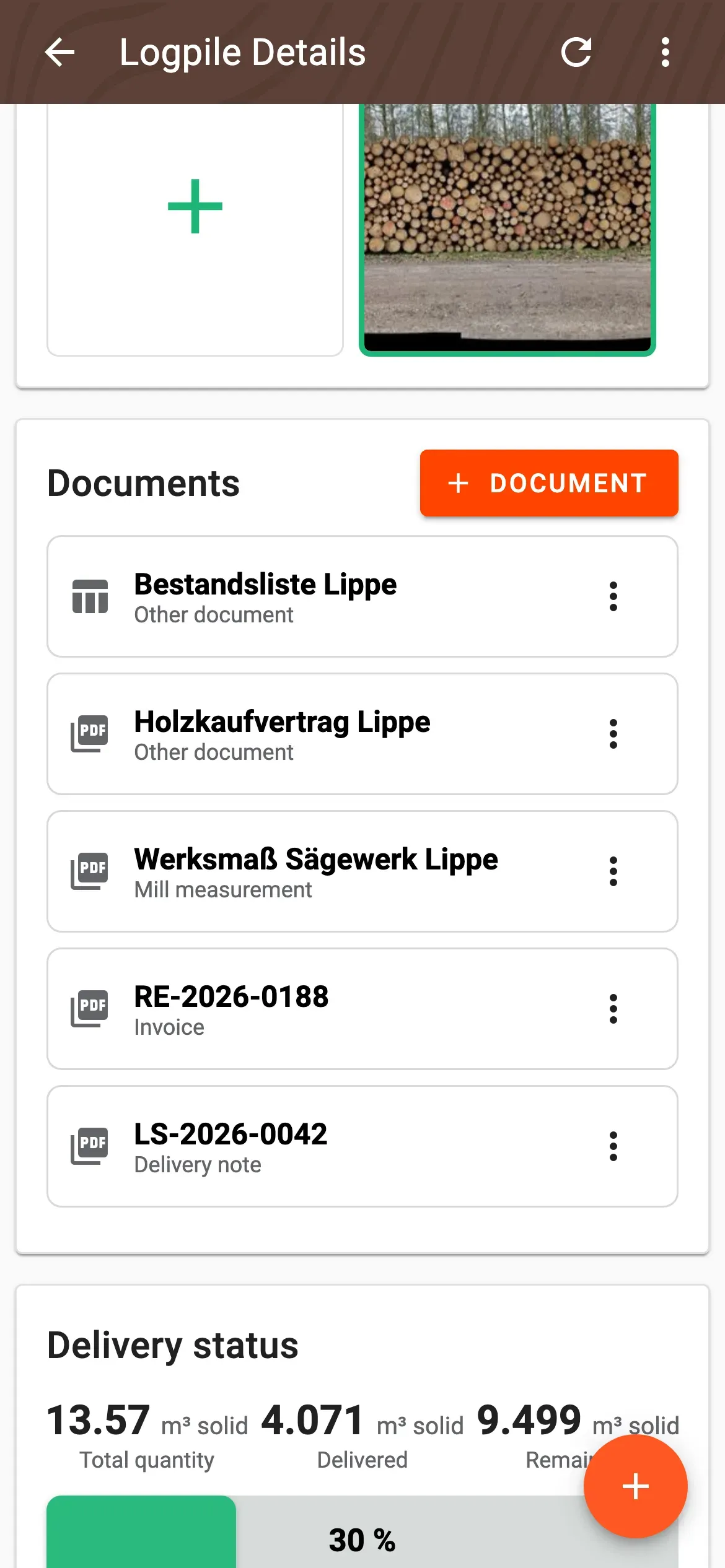
Documents on measurements, log piles and wood lists
- Attach files to measurements, log piles and wood lists: photos, PDF, Office files (DOC, XLS, CSV) and ELDAT files.
- Pick a document type — delivery note, invoice, credit note, mill measurement or other — each with its own optional details.
- Works without a file too — e.g. record an invoice with just its number and a note.
- Link one document to several log piles — it then appears on each related detail page.
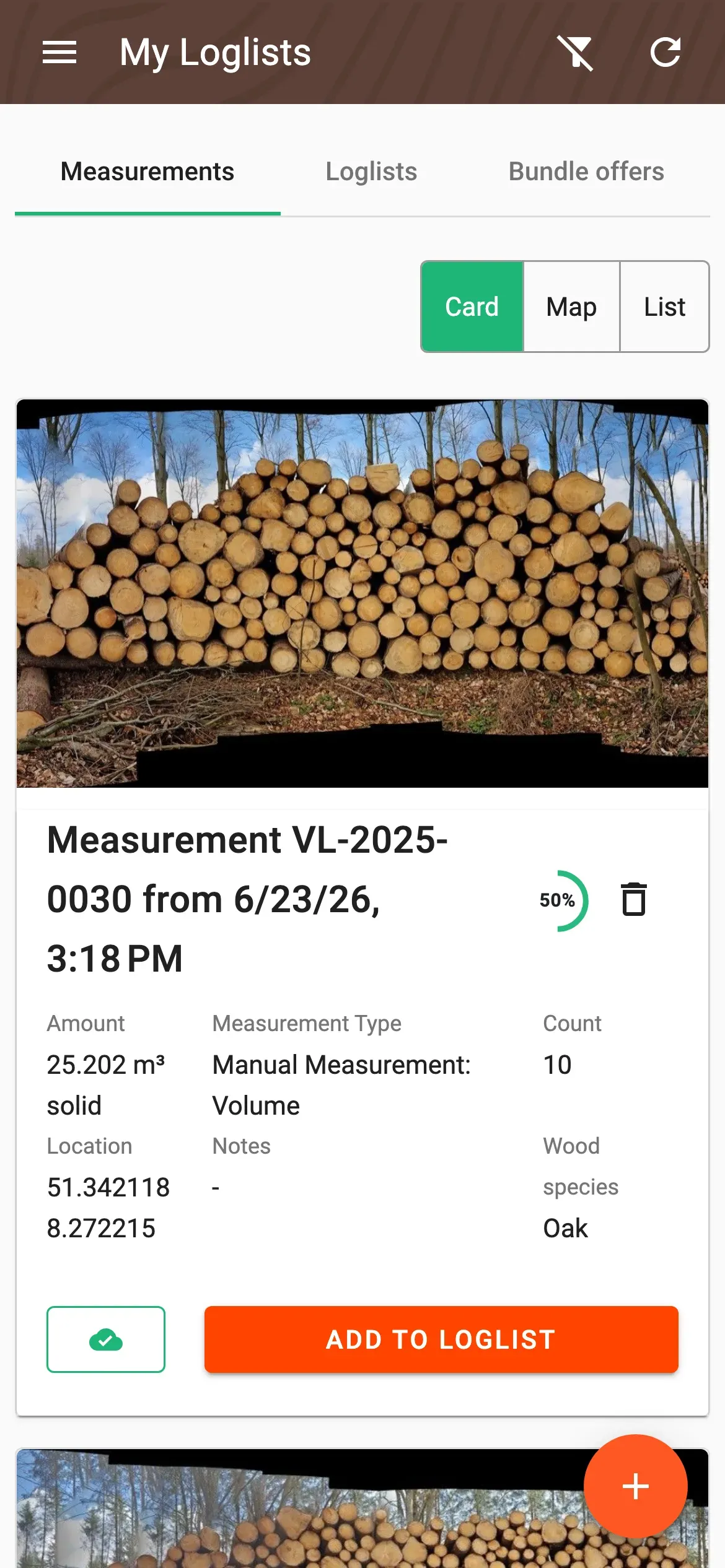
- Search the measurement overview by keyword — for example a delivery-note or invoice number.
Scan documents on the spot
- New “Scan” source in the document upload: opens your device’s document scanner.
- Automatic edge detection, auto-capture and multi-page scanning — the result is a single, multi-page PDF.
- Available on iOS and Android.
Track delivery status
- New “Delivery status” section on the measurement and log-pile detail — it appears as soon as the first delivery note exists.
- Total, delivered and remaining quantity in solid cubic metres, with a progress bar.
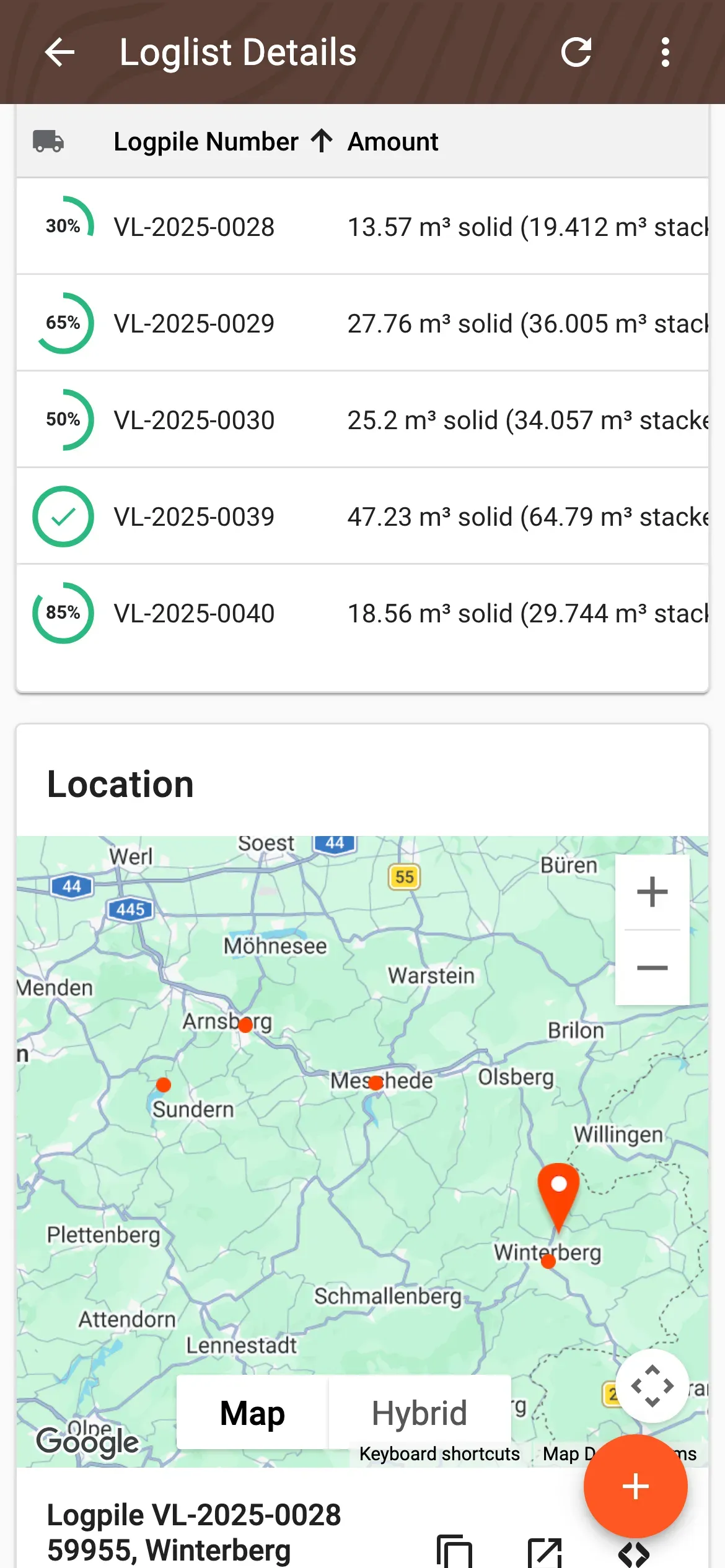
- Delivery progress per log pile, right in the log-pile overview.
- “Complete delivery” resolves small remainders and marks the log pile as done — reversible at any time.
A look at this update
Update now: